A glitch art rack · free · runs in your browser

Open a picture, press a look, save what comes out. The old ways of breaking pictures, on push buttons.

 Open Pumpkinhead
No account. Nothing to download first. Your pictures never leave your device.

How to use it
Open the tool →Open a picture
Press Open image, drop a picture on the page, or paste one. Any photo will do.
A sample is already loaded, so you can skip this and start pressing things.
Press a look
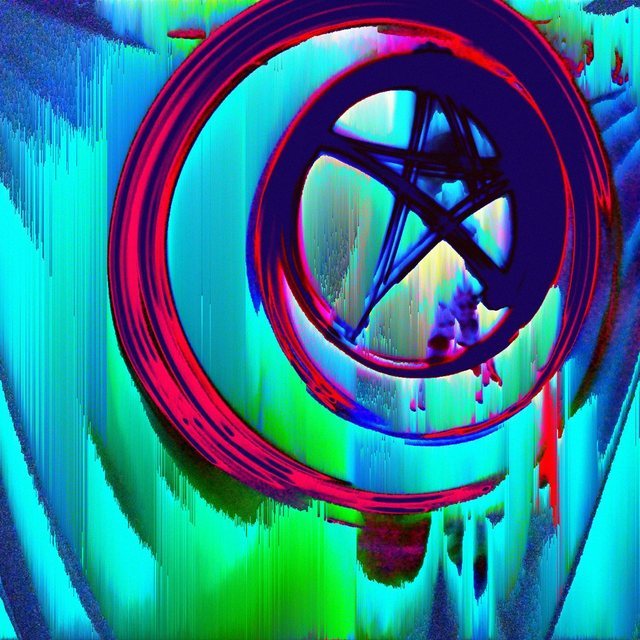
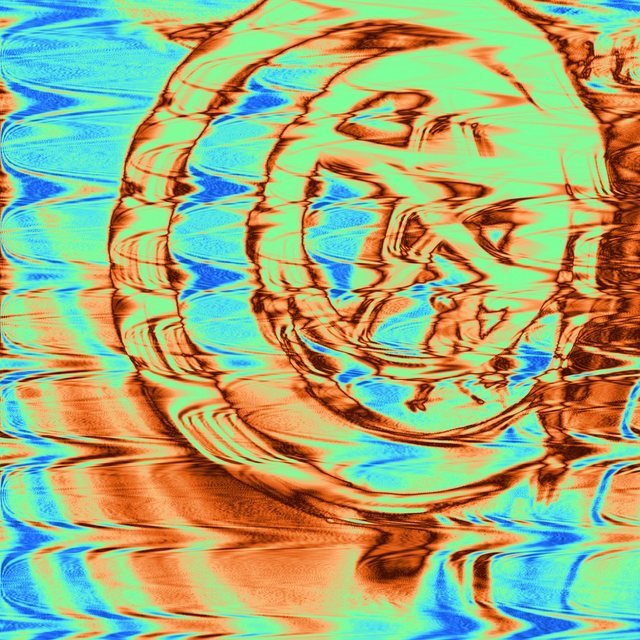
Looks is a wall of your own picture: 27 finished recipes, one on every tile. Press one. Press another.
Roll numbers reshuffles the look you are on. Take it off gives you the picture back.
Or let chance do it
Hail Eris throws the recipe away and builds a new one by chance.
The row under it steers the chance. A season decides which effects it reaches for, and Order to Disorder decides how hard it swings.
Open Effects when you want the controls
Every look and every throw is a chain of effects, run from the top down. There are 28 effects in six families, and Effects shows you the chain. Each effect has a Roll button, an on and off switch, and its own dials.
Layers stacks a second copy of the picture with its own chain and blends it back over the first.
Pour it
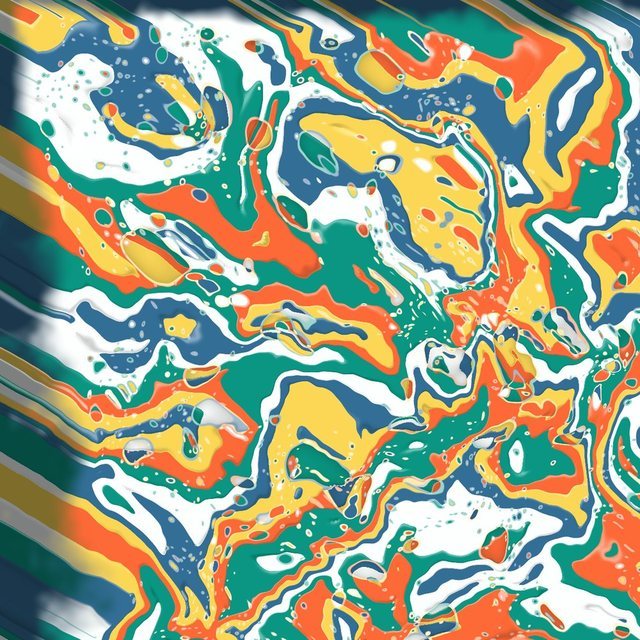
Pour is the newest effect. It pours your picture as liquid acrylic, in the picture’s own colours or any others.
Move the ball on the tilt pad and the paint runs that way while you watch. Level lays the board flat again. Four Pour looks have a row of their own in Looks.
Save it
Save PNG saves exactly what is on the screen.
For a final, raise Work size under More first. Undo is always there, and Hold for before shows the picture you started with.
Keep it on your device
You do not have to. It runs in a browser tab as it is, and that browser remembers your settings, the chain you were working on and your recipe shelf. A private window forgets them when it closes. Installing gives it an icon and a window of its own.
 Android
Open the tool in Chrome. Under More, at the bottom, press Install as an app. If the button is not there, the browser’s own menu has Add to Home screen.
 iPhone and iPad
Open the tool in Safari. Press Share, then Add to Home Screen.
 A computer
In Chrome or Edge, press the install icon at the end of the address bar, or use the same button under More.
After that it opens from your home screen like any other app. Installed or not, it works with no connection once it has been opened.
Good to know
 Your pictures stay with you. Everything happens in your browser. Nothing is uploaded, there is no account, and there is nothing to pay.
 Recipes keep. Under More you can save a chain you like to your shelf, or copy it as a line of text to send to somebody.
 Help is built in. Rest the pointer on any control and it says what it does. On a phone, turn on Help mode under More.
 It has four looks of its own, and sounds. Both are under More, and the sounds have an off switch.