Memorandum
Pumpkinhead 2.3
A glitch art rack on push buttons, and the doodle its pumpkin came from

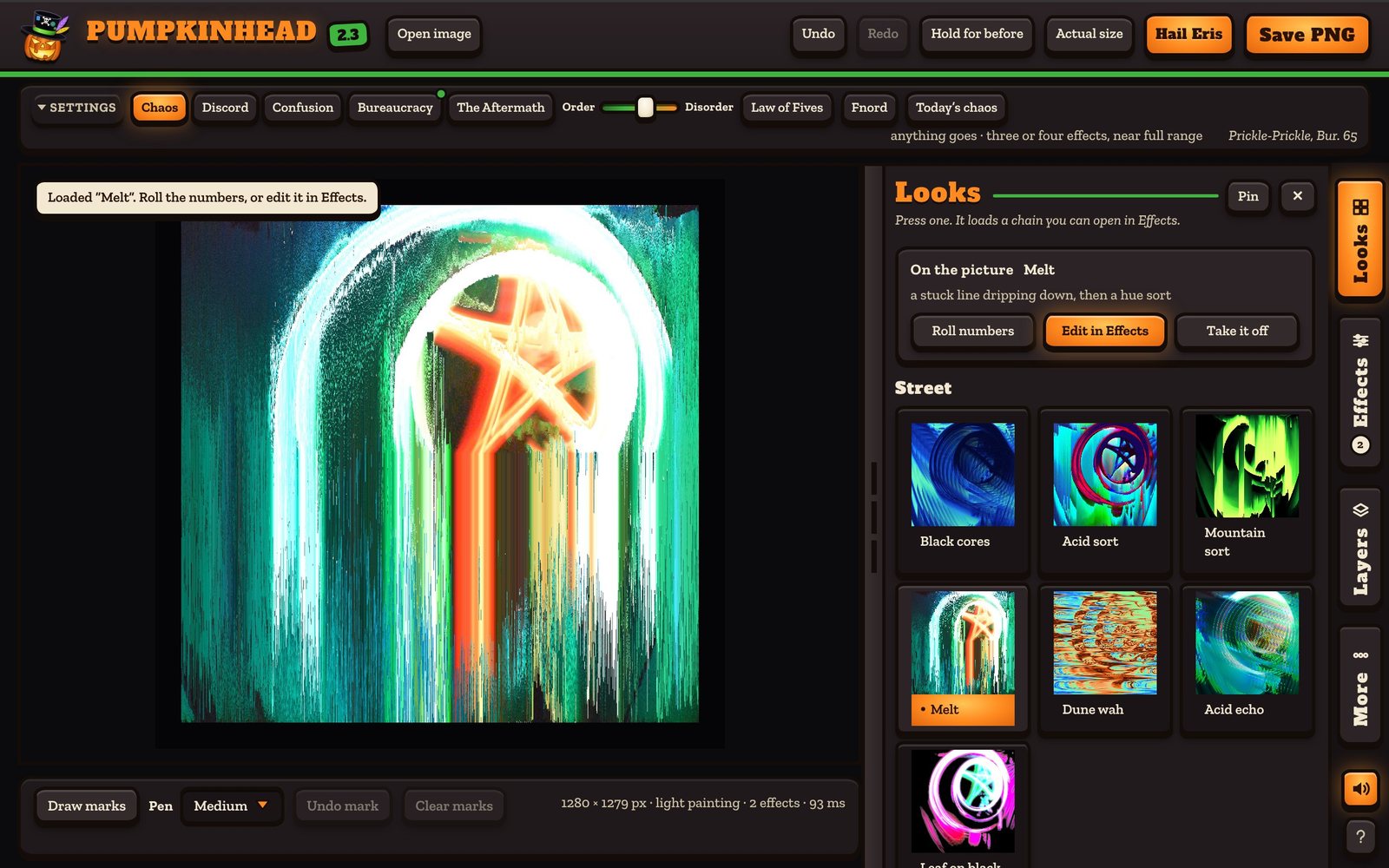
Pumpkinhead is a glitch art rack that runs in a browser. Open a picture, press a look, save what comes out. It is free and anyone can use it: strawberrynapalm.org/pumpkinhead has the button and a short how-to.
Same terms as the other memos. The “we” is me and Claude: I say what I want, it proposes, I dispose. To be exact about who did what: Claude wrote all of the code and drew the logo. The asking, the choosing and the looking were mine. This one is short, because the thing itself is one press away.
What I asked for
The glitch filter on my R1’s camera reignited my passion with digital art. So I asked for “some sort of more controlled glitch creation engine that you and i could cater to our ‘needs’ as we need.”
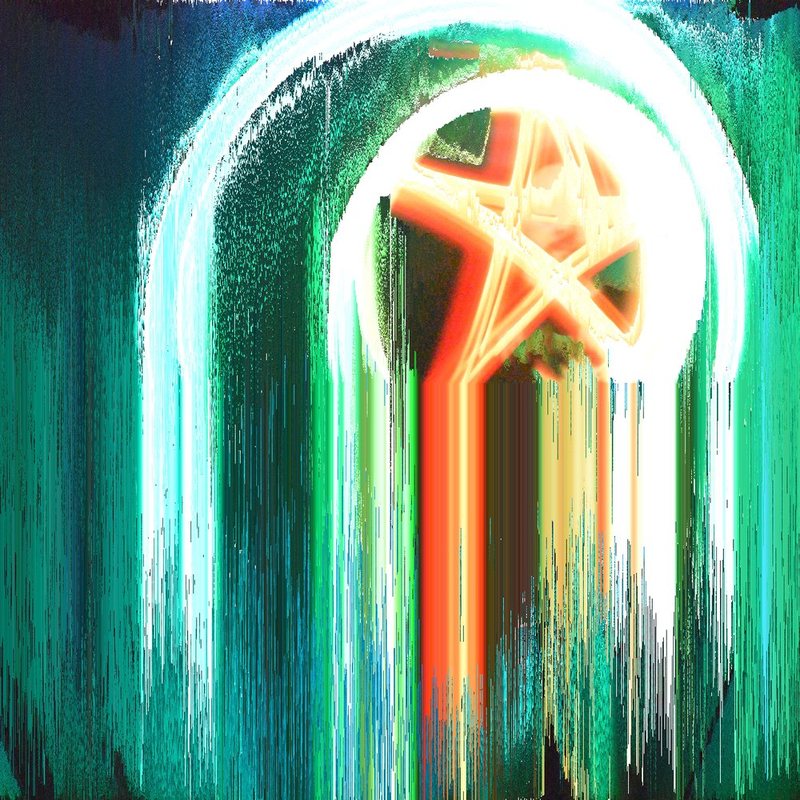
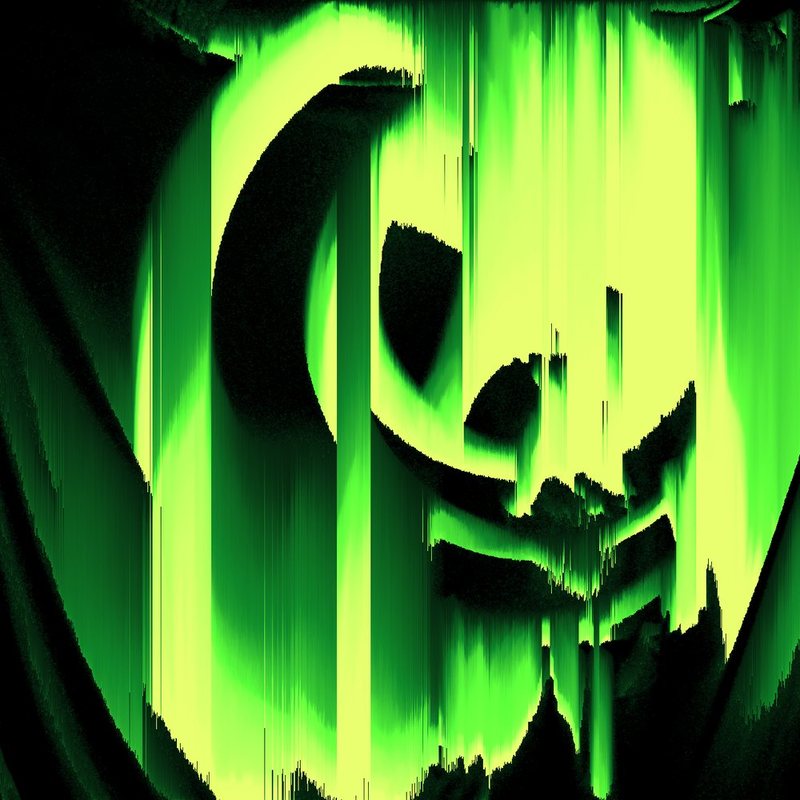
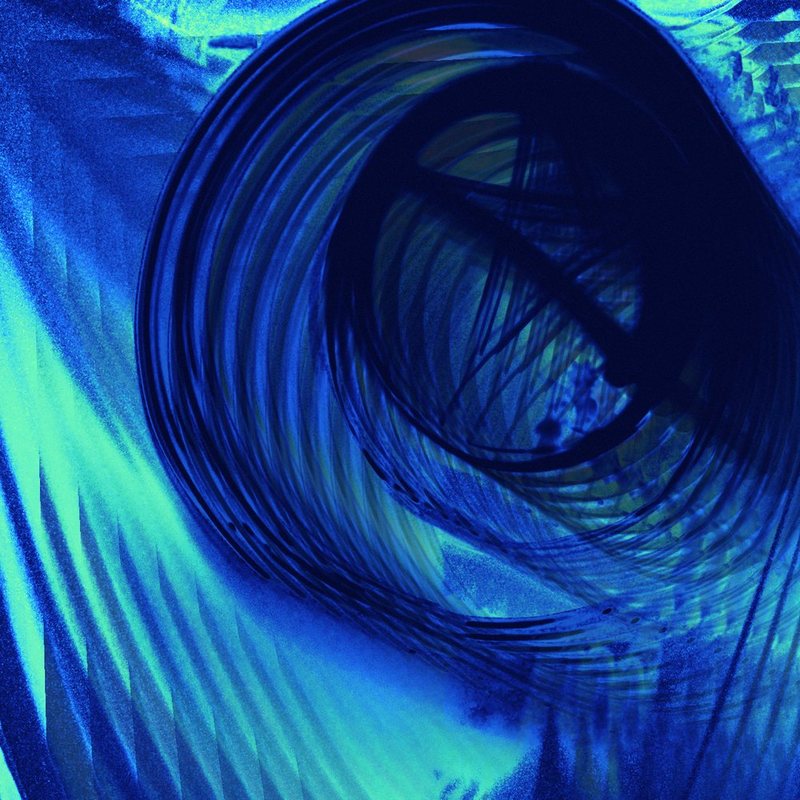
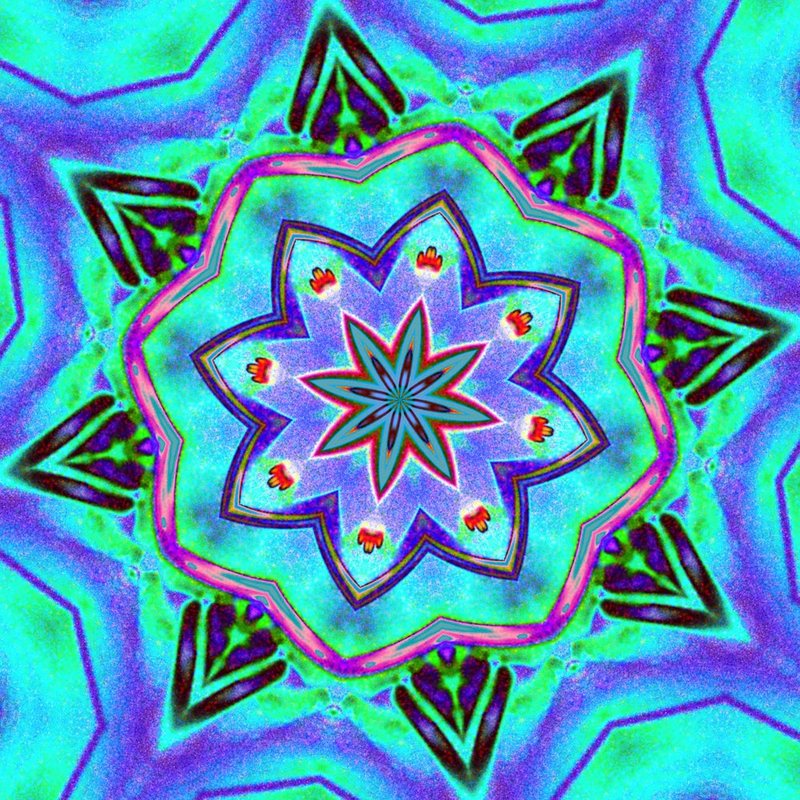
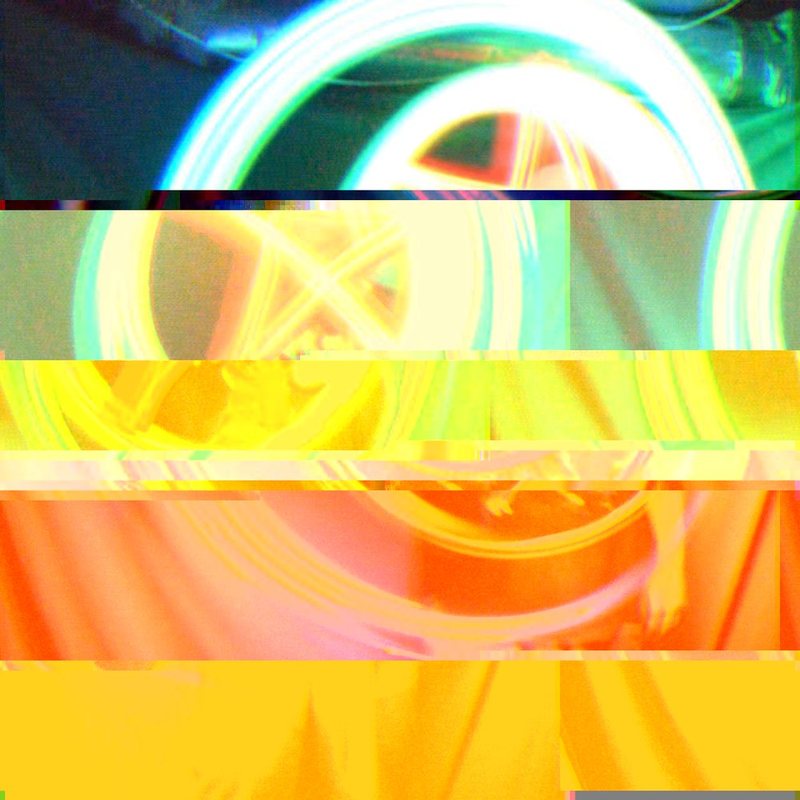
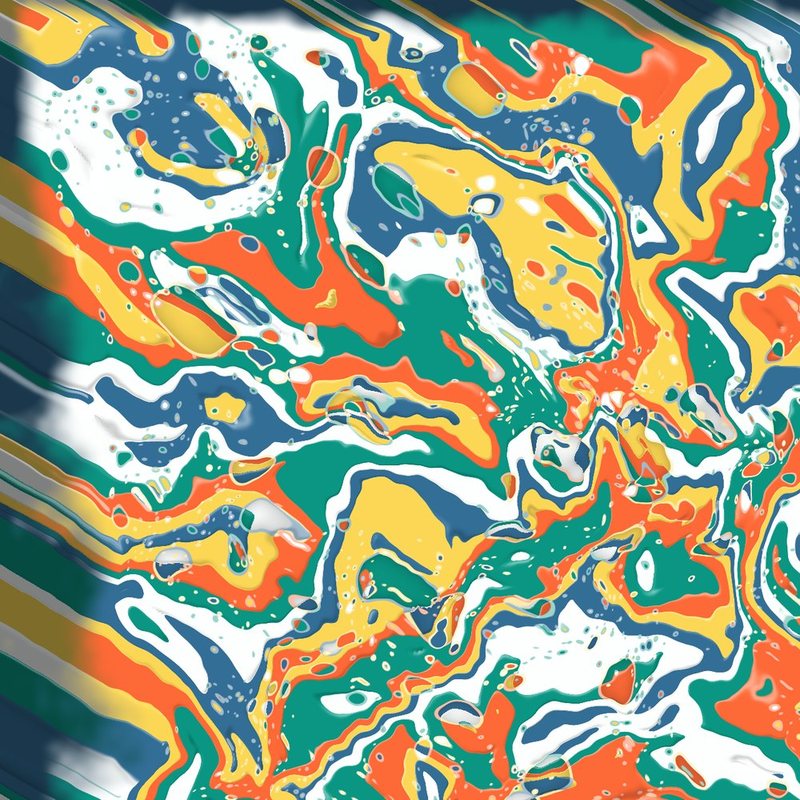
What I meant was the things I already do the long way. Pixel sorting like ASDF. Mirroring and fractaling like MirrorLab and GlitchLab. And the file-breaking I call acid audio: open a picture’s raw data as if it were sound, run an echo or a wah over it, save it back, and leave the start of the track alone so the file still opens.
I wanted all of it “in a ‘push button interface’ manner,” with “less code and messy trial and error shit.”
What it turned into
Twenty-eight effects in six families: sort and smear, mirror and fold, break the file, colour, sigils and rings, and two that mosh one picture into another. They run in a chain, top to bottom, and every one has a Roll button, an off switch and its own dials. The one called Bend is the audio trick done for real, on the picture’s own bytes, with the header guarded. The newest one is Pour. Late in the build I asked “could we add simulated pour art???” and now it pours the picture as liquid acrylic.
Then I said this: “I absolutely love the granularity we have but would like it intuitive.” So there are three ways in.
- Looks. Twenty-seven finished recipes, shown on your own picture. Press one.
- Hail Eris. I asked for “a chaos button and some discordian settings.” It has five seasons, a slider from Order to Disorder, the Law of Fives, and Fnord.
- Effects and Layers. The whole chain with every dial, and layers that each carry a chain of their own, for the Photoshop move where you duplicate a layer on top of another and play with the blend.
It also has four painted looks of its own and arcade noises. The noises have an off switch.
The pumpkin
The name and the face come from my best friend and artistic partner, who publishes as King Daggobert.

The pumpkin in the top hat started as a glamour bomb doodle he left behind in a McDonald’s, for whoever found it. He posted a coloured pencil version of it in 2017. The logo is that pumpkin redrawn, with a solid black hat and a green band. I asked him if he was fine with it. He said it’s cool.
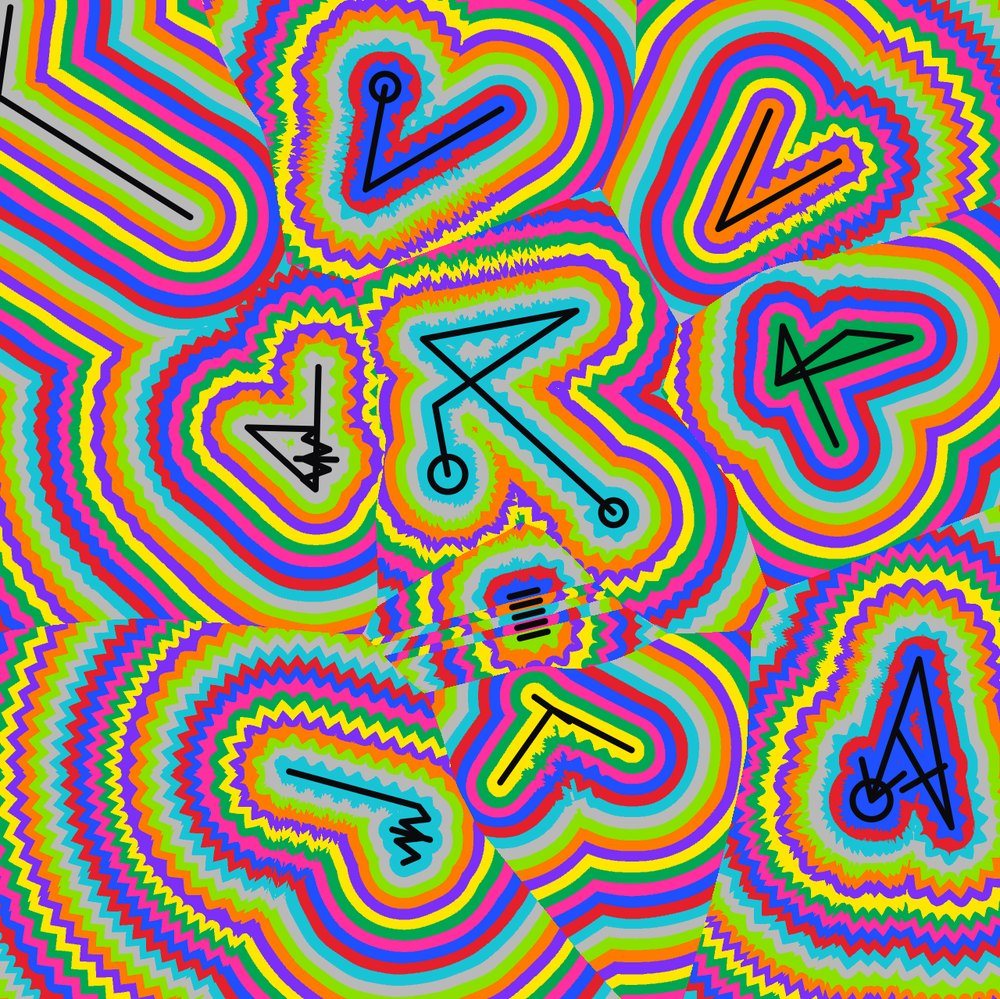
The ringed looks are his too. He calls the style DMT vomit: embed a shape, usually a sigil, then run lines around it at one width in almost obnoxiously conflicting colours until the thing seems to breathe. He does it in Sharpie. The rack does it with an effect called Rings.
The doodle said one more thing. It is in there somewhere.
The fine print
It runs on a phone, and it can be added to a home screen. After that it works with no connection at all.
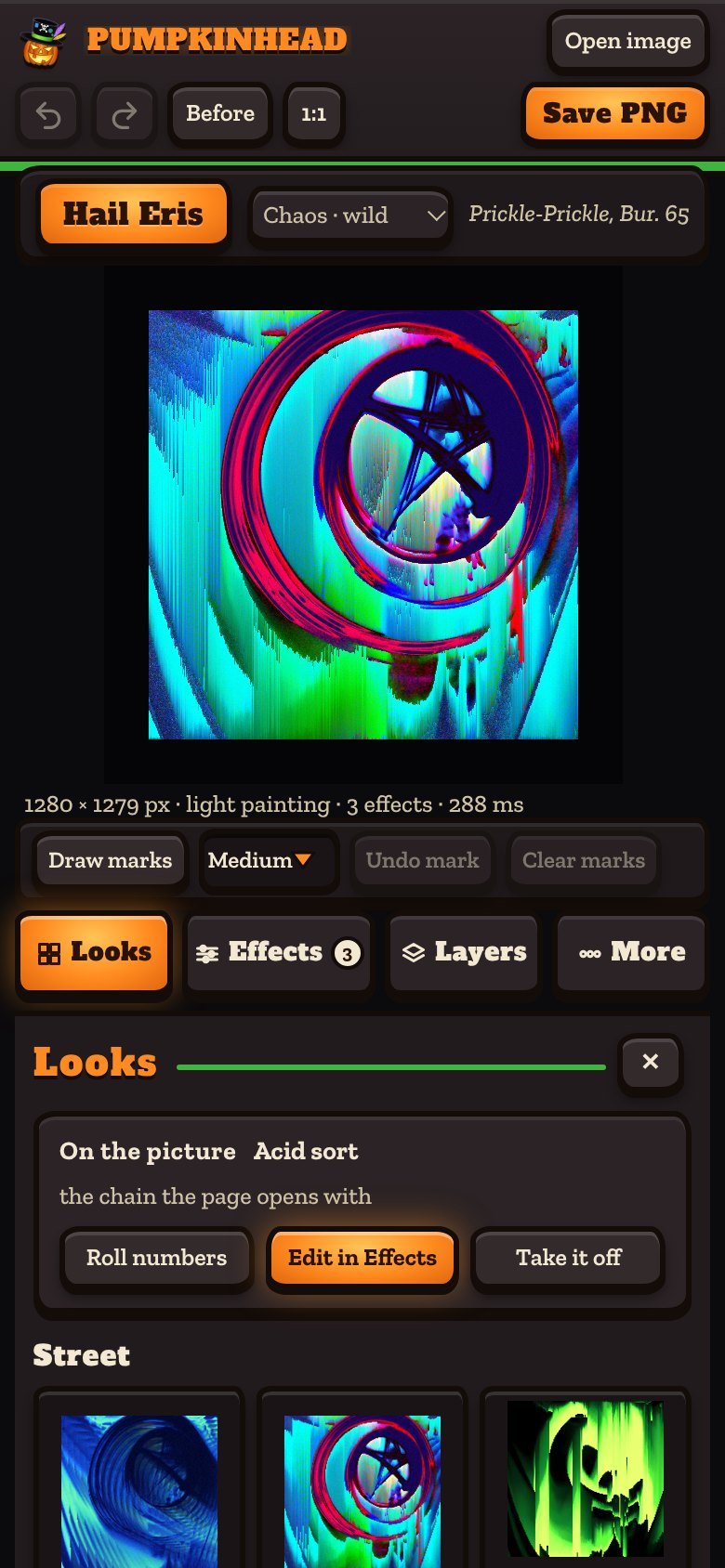
Your pictures never leave your device. There is no upload and no account. What you make with it is yours. The tool itself is mine, all rights reserved, and it comes with no warranty, which seems fair for a thing whose job is breaking files. The full terms and credits are on its About page.
The pictures
Every glitched picture here is the tool’s own output on one photograph of mine, a light painting. The pictures of the tool are the real page, captured by a browser run from a script. The phone is that browser at a phone’s size, not a phone.